

Google Chrome browser is used by both smartphone and PC users. Users running Chrome browser in laptops and computers have been using Chrome extensions for a long time. But now smartphone users can also download Chrome extension. For this, an app has to be downloaded from Google Play Store.
highlights
Download Kiwi Browser for Chrome Extension from Google Play Store
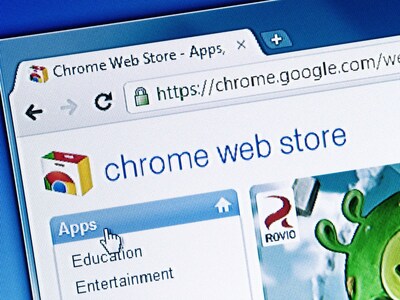
Search Chrome Web Store in this browser and download it
After this, smartphone users will also be able to use the Chrome extension.
New Delhi. Laptop and computer users download Chrome extension for Google Chrome browser. With the help of this, they can watch any video ad free and can also do ad free browsing from Chrome browser. Some people also use chrome extension for online gaming. However, now smartphone users can also use the Chrome extension. Now you can try all the tips and tricks by downloading chrome extension in smartphone like computer. For this, you have to download an app from Google Play Store on your smartphone. Android users can download it for free.
To download the extension on your smartphone, first download Kiwi Browser- Fast & Quiet from Google Play Store. This browser is completely free, any Android user can download it in smart phone. The biggest feature of this browser is that it can do very fast browsing. After the browser is downloaded, search the Chrome Web Store in it.
Download chrome extension in such a smartphone
1. First of all open the Kiwi browser app on the smartphone.
2. Search Google Chrome Web Store in this browser.
3. After this, click on the first option and go to Chrome extension.
4. From here you can download any chrome-extension.
5. You will not have to pay money to download it.
6. Take special care of the security of the phone while downloading the Chrome extension.
Download Fair Adblocker
After downloading Fair Adblocker from Kiwi browser, you can watch YouTube videos ad free on your smartphone. For this, first download Fair Adblocker in Chrome Web Store. After downloading, install it on the smartphone. Now you search YouTube from Google Chrome browser. Fair ad blocker can be used only in the app room. This will not work in YouTube app.


0 टिप्पणियाँ